

By Robert Fleming
For Halloween what are digital graphic artists doing? Yours truly, is making digital images of monsters. Oops! Oh NO, I came out as a digital graphics artist. I will show you how, to make monsters.
My inspiration for monsters is the novel Frankenstein by Mary Shelley first published 1/1/1818. Since Mary died 2/1/1851 and Frankenstein sells 40,000 copies a year, who is collecting Mary’s royalties? Hmm?


HOW TO MAKE YOUR OWN MONSTER
One of the computer software tools I use to create digital graphics is Canva which has a free and paid version. Home – Canva. To create a monster:
- access a device with www access
- choose your image which could be a photograph you took or an image which is free (in public domain) on the www
- cut away the parts you don’t want by cropping the image which is like using an electronic scissors
- if the image background has a border frame (like white) you don’t want, you can remove it by using computer software to remove background like Adobe Express Free Image Background Remover | Adobe Express
- on the www go to Canva
- in Canva create a Design
- upload your image(s) into Canva (toolbar to the left of your image)
- copy/move your uploaded image to your design page
- click on the image
- duplicate the image page (so you will have the original), toolbar on the top right of the image, click on the +
- move your curser to the duplicate image
- click on edit, toolbar above your image, left side
- on left side of image, click on apps “see all”
- click on Liquify (4th row, far right)
- click on Flow (2d row, far right)
- set the flow options: melt amount 1 / melt scale 1/ woble amount 1 /woble scale 1
- if you like the image, click on “save”

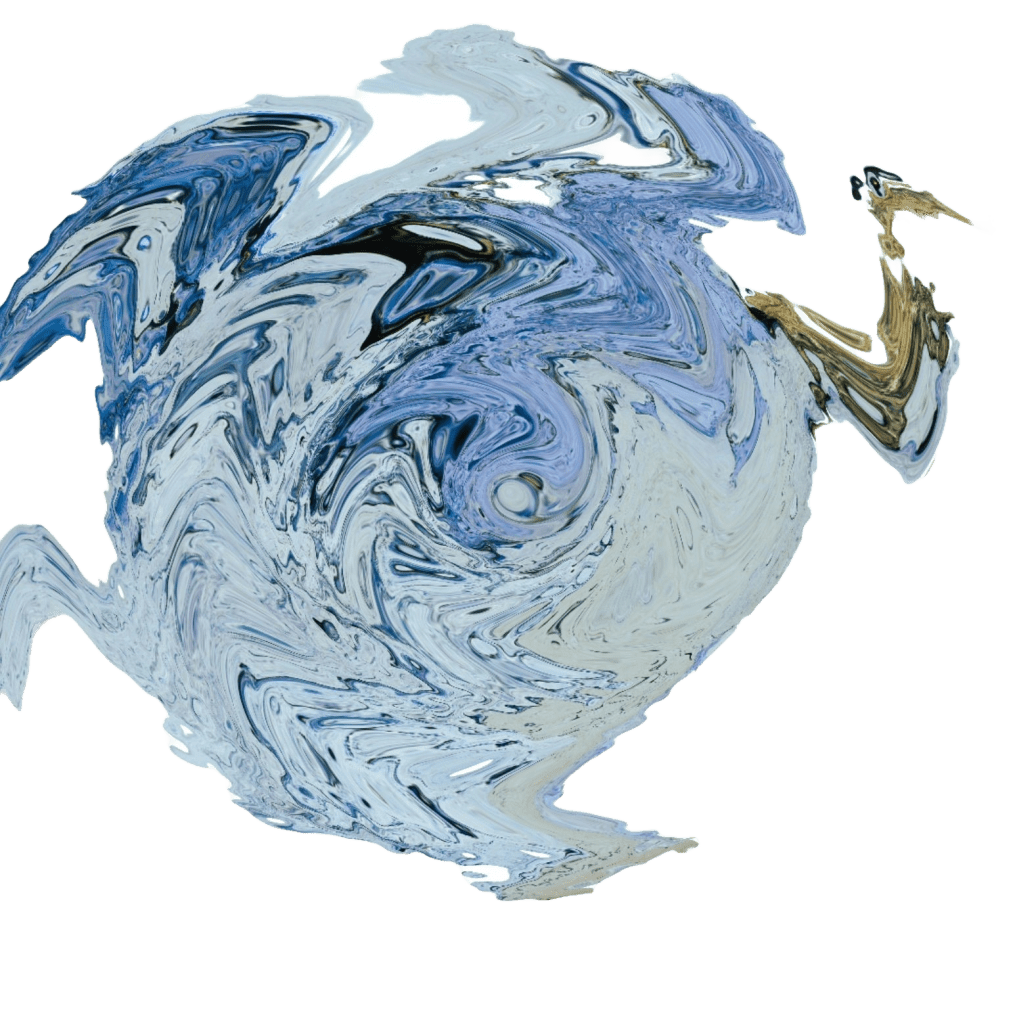
ADD COLOR
if you are confidant and feeling adventurous, then add color to the image
click on the image
click on edit
click on the app ColorMix
click on the parakeet (2nd row, far right)
if you like the image, click on save

Another example: Transforming a photograph using a funhouse technique.
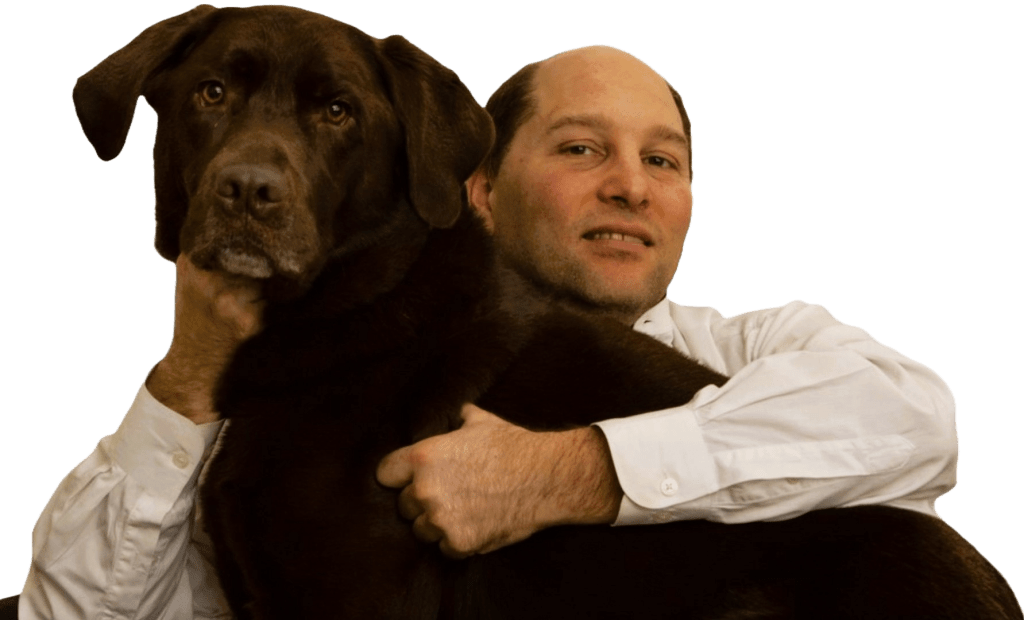

DIRECTIONS
return to Liquify
Click on Melt (1st row, 2nd column)
set the melt options: melt amount .5 / melt scale .5
if you like the image, click save
I send you courage to make your own digital graphics monsters.
Yours Truly is:

Robert Fleming, a contributing editor of Old Scratch Press
OLD SCRATCH PRESS – a poetry/short-form collective | estd. 2023
who published an Amazon best seller visual poetry book: White Noir
white noir: Fleming, Robert: 9781957224183: Amazon.com: Books
an editor of the digital magazine Instant Noodles
the creator of an upcoming horrorthon banner for Oddball Magazine, to be released +-10/27/2024
The 2024 Horrorthon: A Call for Submissions – oddball magazine
and the creator of an upcoming magazine cover for Tell-Tale Inklings #7, to be released Autumn, 2024
(1) Tell-Tale Chapbooks | Facebook
THANK YOU FOR READING. Follow Old Scratch Press on Facebook. https://www.facebook.com/OLDSCRATCHPRESS/
 OLD SCRATCH PRESS